Print the part you’re missing.
A clip, a spacer, a knob, a new latch for an old lid. Measure it, type the sizes into your iPhone or iPad, and send a ready model to your slicer.
Coming soon to the App Store
Free to start, no account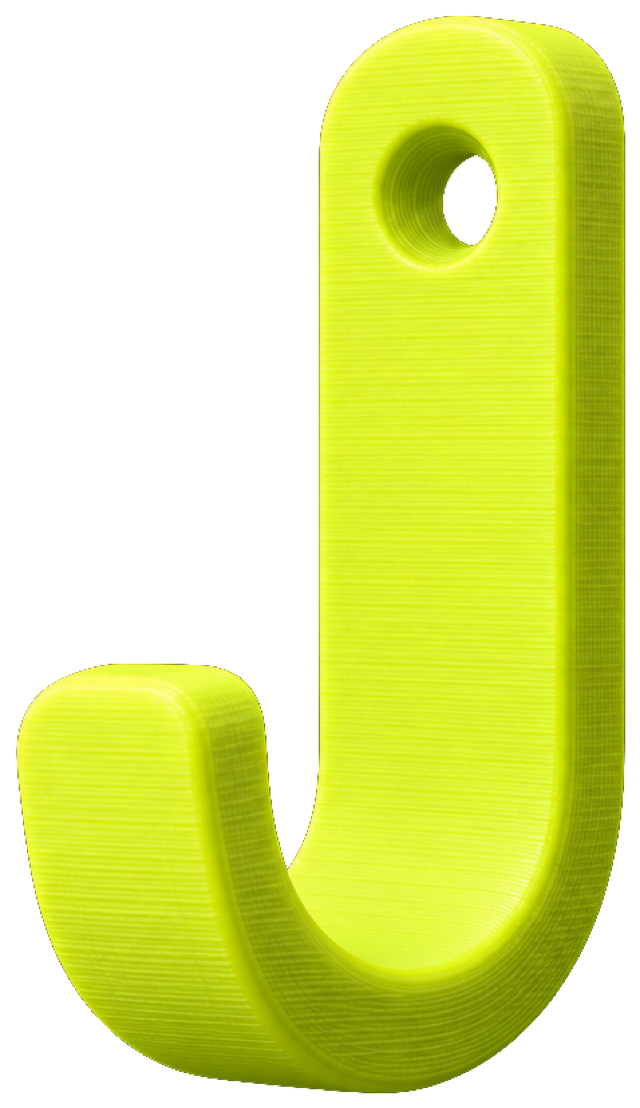
Change the hole after it’s cut.
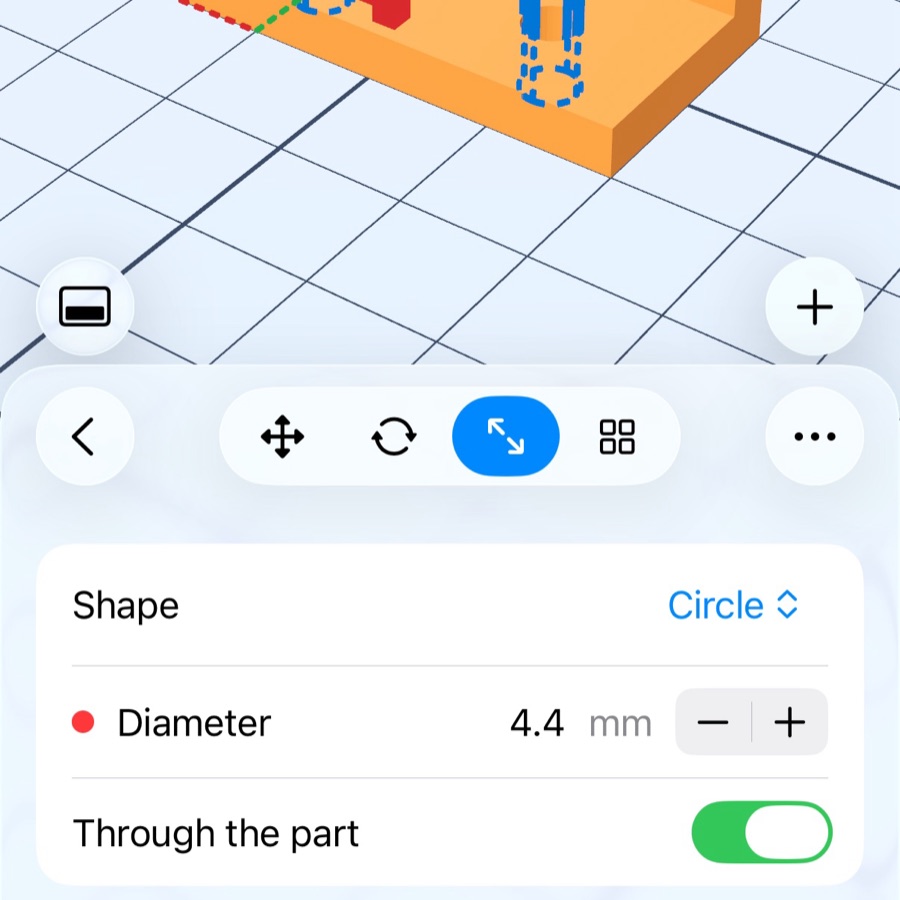
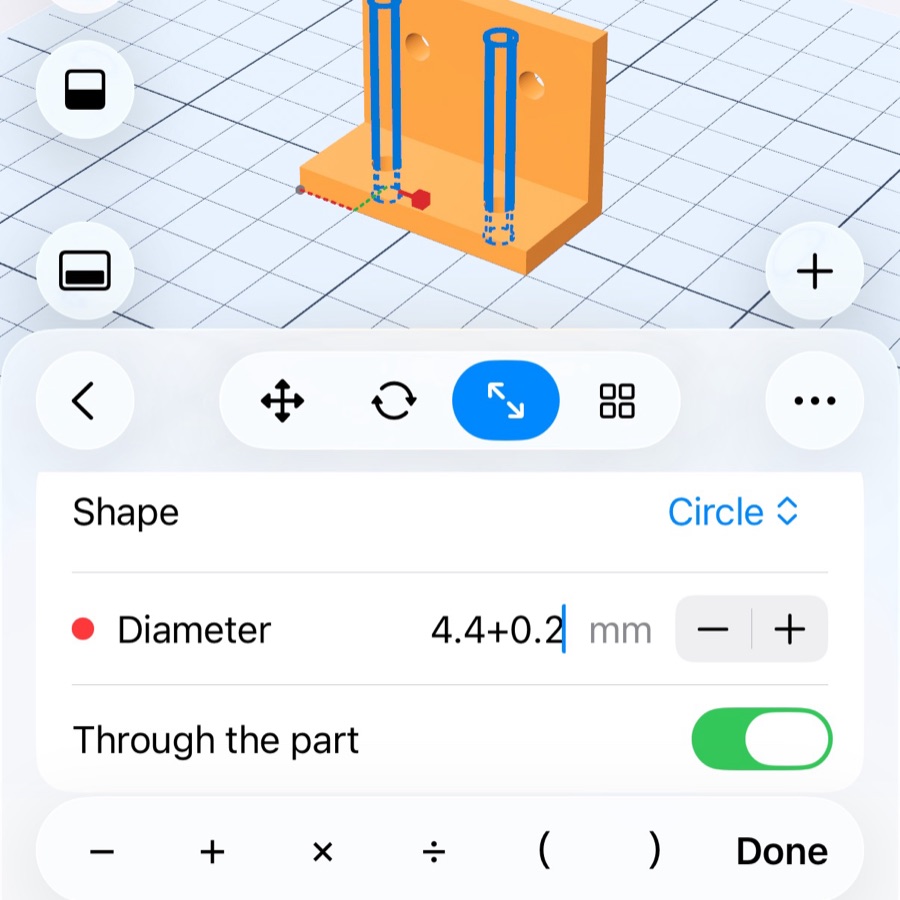
Each step of a part keeps its numbers. The hole was cut at 4.4 mm and the screw won’t go in? Type 4.4+0.2 and the part is rebuilt around the new hole. Nothing is baked into the mesh.
From outline to bed, without leaving the bench
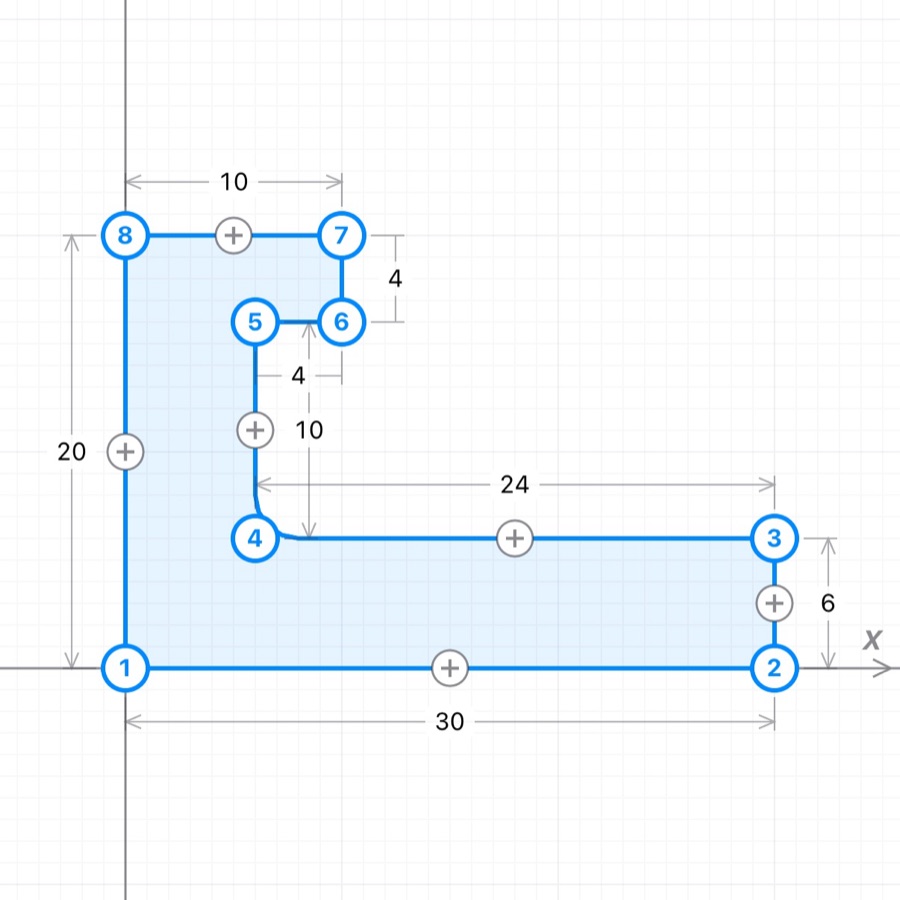
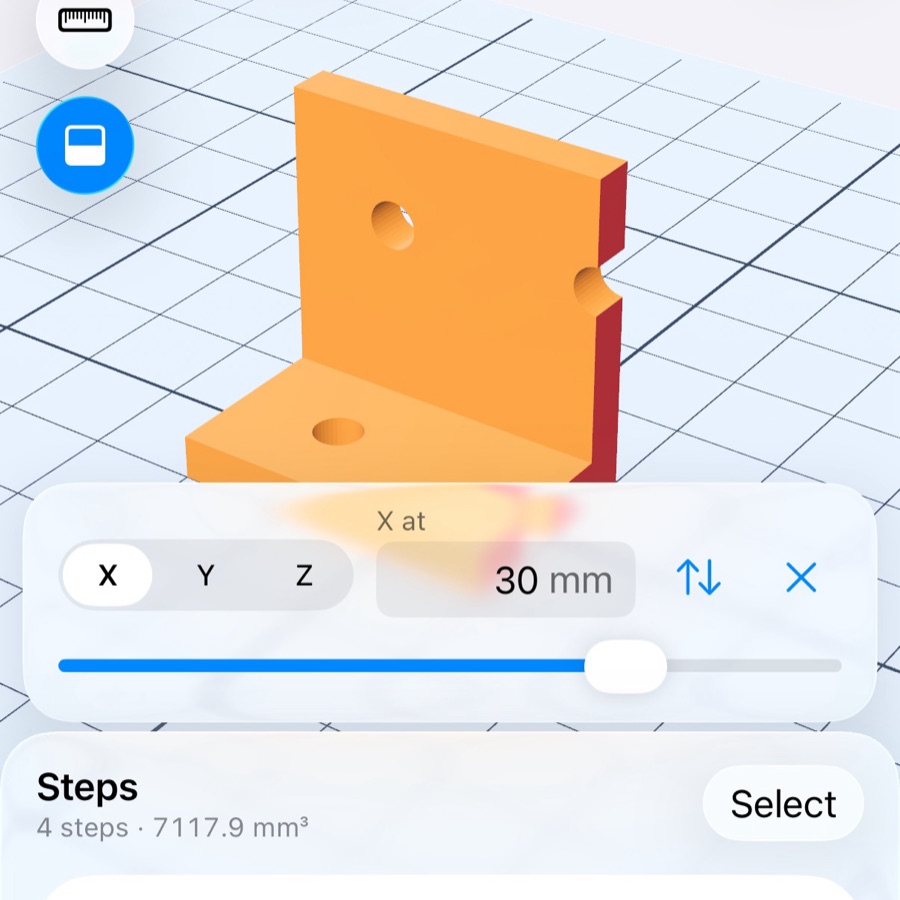
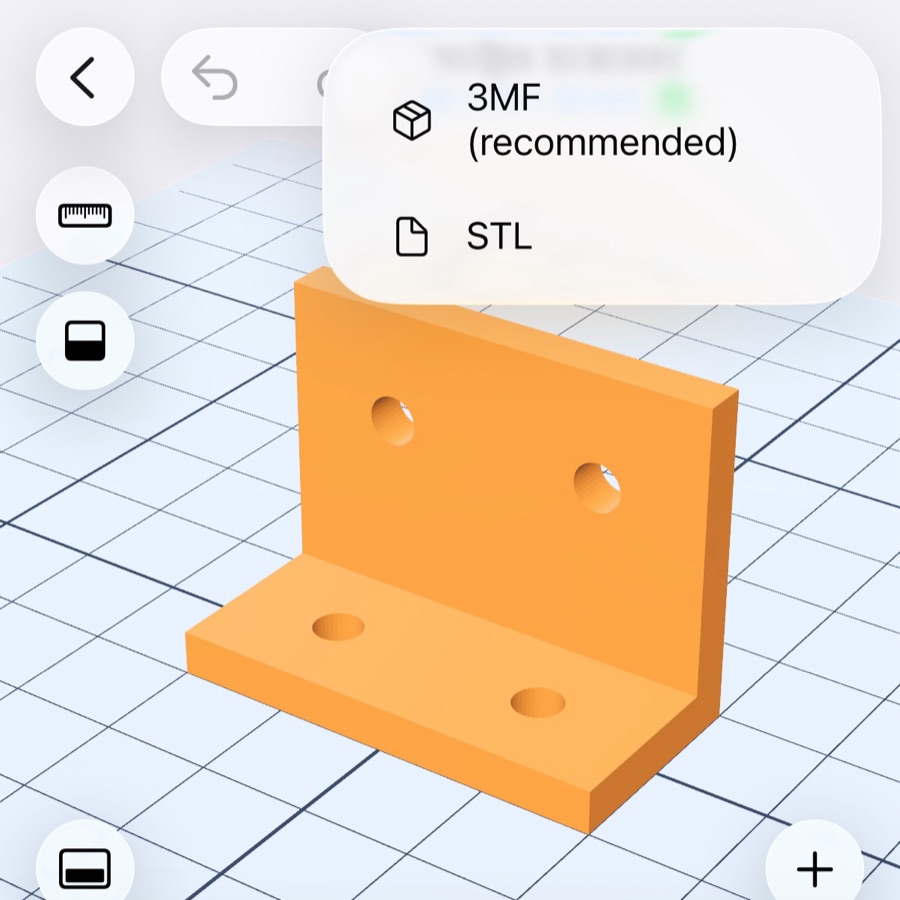
Start from a real part.
Ten finished parts come with the app. Copy one into your library and change its numbers — the hose diameters, the notch count of the knob. Every size in them is one calipers give.
Already have a model? Open STL, 3MF, OBJ, PLY or USDZ and build on it. A remixed 3MF keeps its designer and licence.
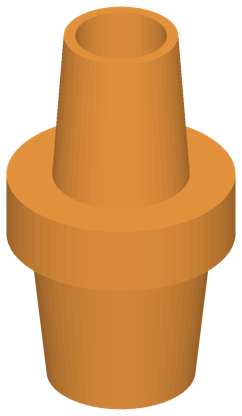 Hose adapter
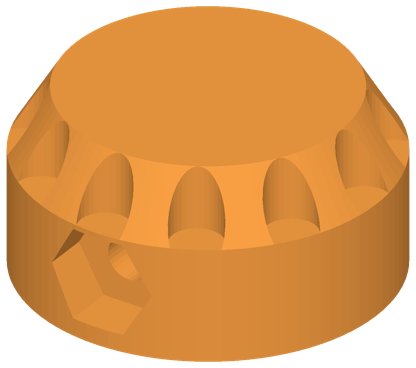 Knob
Knob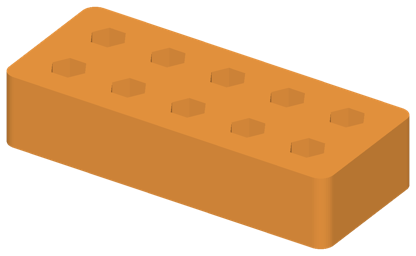 Bit holder
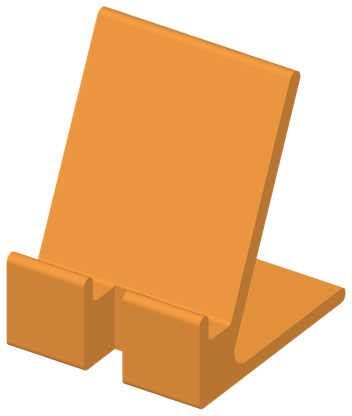 Phone stand
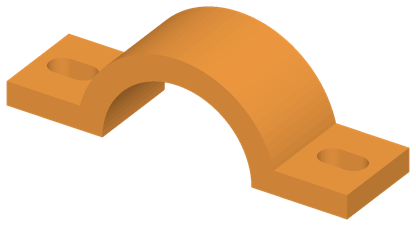 Pipe clamp
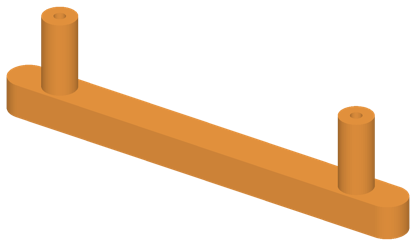 Drawer handle
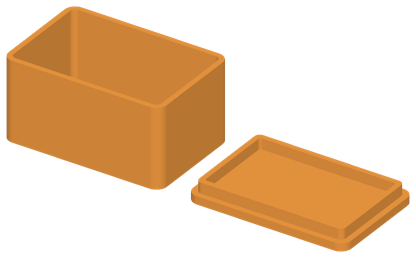 Box with lid
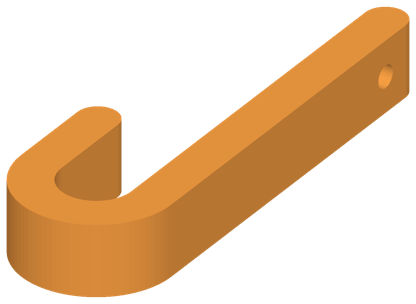 Wall hook
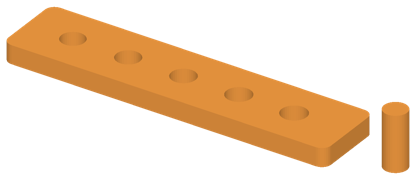 Fit gauge
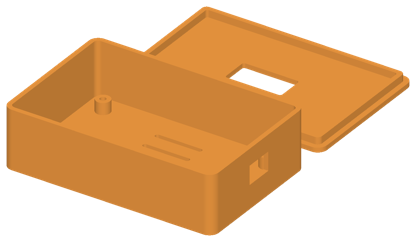 Project box
The whole editor is free.
Every shape, every cut, both export formats — for 3 parts and 8 steps in a part. Pro lifts both limits. Nothing is collected, and it works offline.